


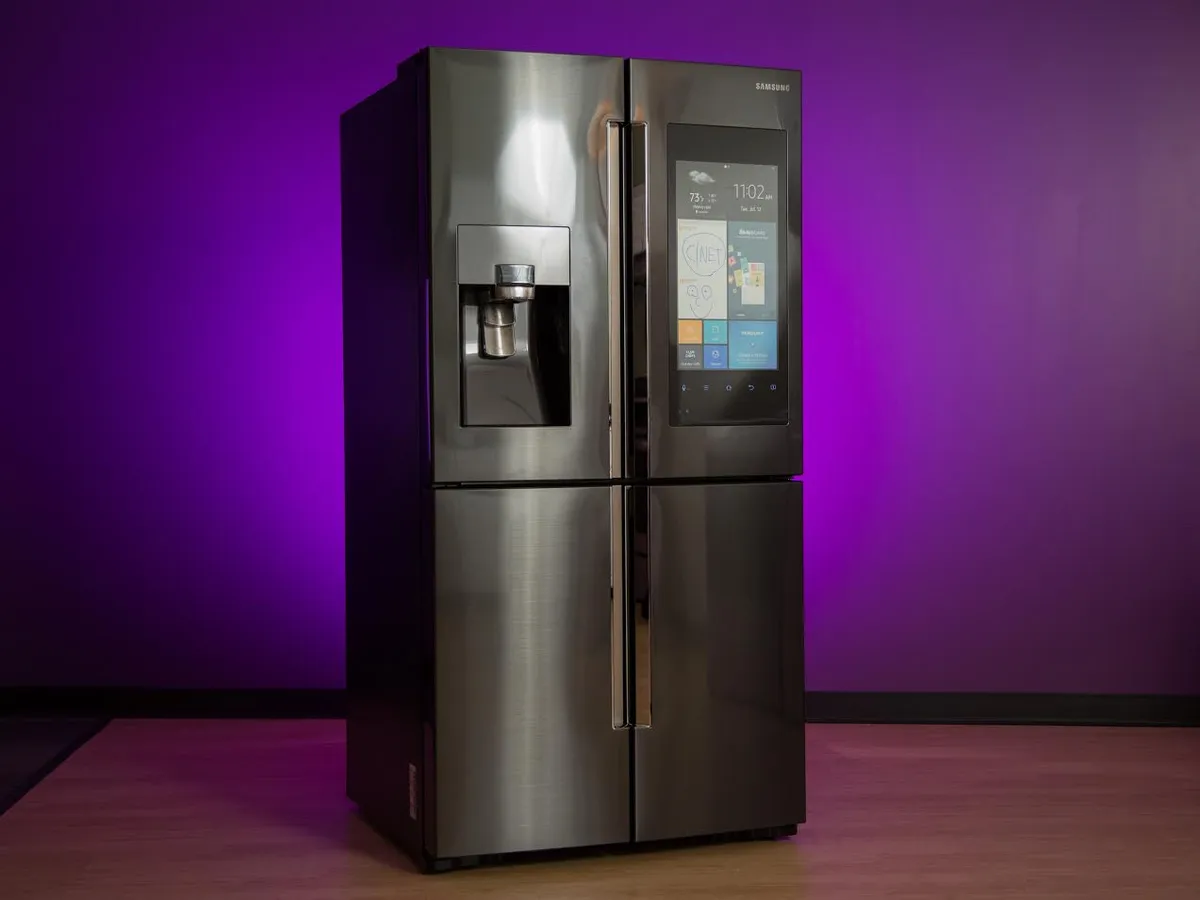
Samsung fridges are designed with modern technology that allows users to easily adjust temperature settings for both the fridge and freezer compartments. Setting the correct temperature helps keep your food fresh and prevents spoilage. Whether your Samsung refrigerator has a digital display or manual controls, learning how to change the temperature is simple once you understand the process.
- Understand the Ideal Temperature Settings
Before changing the temperature, it’s important to know the recommended levels for proper food storage. Samsung recommends setting the fridge compartment at around 3°C (37°F) and the freezer compartment at around -19°C (-2°F). These settings keep your food fresh while maintaining energy efficiency. However, you can adjust them slightly depending on your needs.
- Locate the Control Panel
Most Samsung fridges have a digital control panel located on the front door or inside the fridge. Some older or simpler models may have a manual dial control inside the compartments. The control panel allows you to adjust temperatures, switch between modes, and monitor the current settings.
If your model has a touch screen or LED display, you’ll see temperature indicators for both the Fridge and Freezer sections.
- Changing the Fridge Temperature
To change the temperature of the fridge compartment, press the Fridge button on the control panel. Each press will lower the temperature by one degree. The display will show the current setting. Once you reach the lowest temperature, pressing the button again will cycle back to the highest setting.
For most Samsung models, the temperature range for the fridge is 1°C to 7°C. Adjust the temperature based on how cool you want your fridge to be. For example, if your food isn’t staying fresh long enough, try lowering the temperature slightly.
- Changing the Freezer Temperature
To adjust the freezer temperature, press the Freezer button on the panel. Each press will reduce the temperature step by step. The typical range for Samsung freezers is -15°C to -23°C. Select a setting that keeps your frozen items firm but not overly hard to thaw.
If your fridge has a Power Freeze feature, you can activate it to speed up the freezing process. This mode is useful when you’ve just added a large quantity of unfrozen food to the freezer.
- Wait for Temperature Adjustment
After changing the temperature, the fridge will take some time to reach the new settings. It usually takes about 2 to 4 hours for the temperature to stabilize. Avoid frequently adjusting the settings within this period, as it can affect the fridge’s performance and energy use.
- Using the SmartThings App (For Smart Models)
If you own a smart Samsung refrigerator, you can change the temperature remotely using the SmartThings app. Open the app on your smartphone, connect to your fridge, and select the Fridge Temperature or Freezer Temperature option. Adjust the settings as needed and save the changes. The app also allows you to monitor temperature and receive alerts if there are sudden changes.
- Check for Cooling Issues
If changing the temperature doesn’t seem to work, check that the doors are closing properly and the vents are not blocked by food items. Ensure the fridge is not overloaded, as this can restrict air circulation. If the problem persists, try unplugging the fridge for a few minutes, then plug it back in to reset the control system.
- Maintain Regular Monitoring
Regularly check your Samsung fridge’s temperature to ensure it remains within the safe range. Keeping consistent temperatures helps prolong the freshness of food and prevents spoilage.
Also Read: How To Change Qualification At UNISA
Email your news TIPS to Editor@Kahawatungu.com — this is our only official communication channel
