


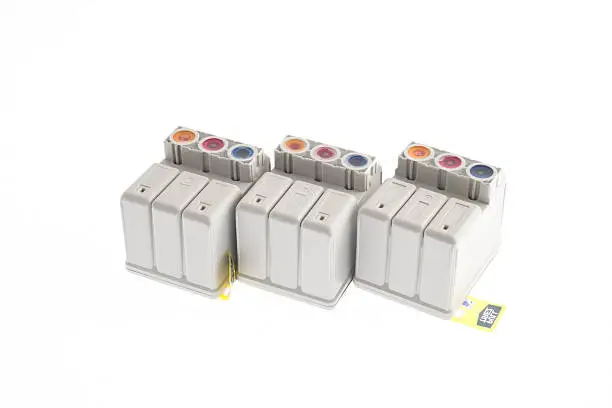
Refilling your Canon printer’s ink cartridges is a cost-effective way to continue printing without buying new cartridges every time. While Canon does not officially recommend refilling, it can be done safely with a little care and the right tools. Here’s how to refill ink cartridges canon properly.
- Gather Your Refill Supplies
You will need:
- Canon-compatible ink refill kit (specific to your cartridge model)
- A syringe with a needle (usually included in the kit)
- Gloves and tissue paper
- A small drill or thumbtack (optional for sealed cartridges)
- An old newspaper or plastic sheet to protect your surface
- Identify the Cartridge Model
Check the cartridge number (e.g., PG-245, CL-246, etc.) printed on the cartridge. This ensures you’re using the correct type of ink and following the proper method for that specific model.
- Locate the Refill Hole
Canon cartridges often have a label covering the top. Peel back the label to reveal small refill holes. If there are no visible holes, you may need to make one using a thumbtack or drill, preferably in the round indent at the top center.
- Fill the Syringe with Ink
Draw about 5–10 ml of ink into the syringe, depending on the cartridge size. Use black ink for black cartridges and the correct color (cyan, magenta, yellow) for color cartridges.
- Inject Ink Slowly
Insert the needle into the refill hole and gently inject the ink. Do this slowly to avoid creating air bubbles or spills. Stop if ink begins to overflow.
- Clean Up and Seal
After refilling, wipe off any excess ink with tissue. Replace the label or cover the refill hole with tape. Avoid sealing the air vent if there is one—it helps the ink flow.
- Reset the Ink Level (If Needed)
Some Canon printers may still show the cartridge as “empty.” Press and hold the Stop/Reset button on the printer for about 5–10 seconds after reinserting the cartridge. This often overrides the ink level warning.
- Test the Cartridge
Print a test page to make sure the ink is flowing properly. If the print quality is poor, run a cleaning cycle through your printer software.
Also Read: How To Reboot MacBook
Email your news TIPS to Editor@Kahawatungu.com — this is our only official communication channel
