


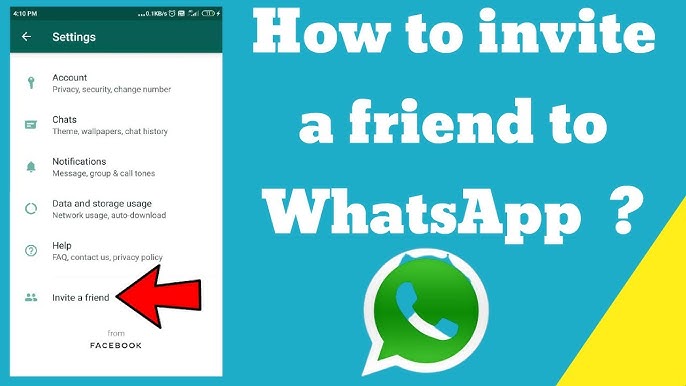
WhatsApp is a popular messaging app that allows users to communicate using text, voice, video, and pictures. If someone you know is not yet using WhatsApp, you can easily invite them to join. The app provides a built-in option to send an invitation through SMS, email, or other platforms directly from your contact list. Here is how to invite someone on WhatsApp.
- Open WhatsApp on Your Phone
Start by launching the WhatsApp app on your smartphone. Make sure you’re using the latest version for all available features to function correctly. - Go to the Chats Tab or Contact List
From the main screen, navigate to the “Chats” tab. Tap the message icon or the green chat bubble usually found in the lower-right corner of the screen. This will open your contact list. - Scroll Down to ‘Invite Friends’ or ‘Invite to WhatsApp’
If someone from your contact list is not using WhatsApp, their name will appear under a section like “Invite to WhatsApp” or “Invite Friends.” This feature shows only those who are not yet registered with WhatsApp. - Tap ‘Invite’ Next to Their Name
Beside the contact’s name, tap on the “Invite” button. This will open a message with a link to download WhatsApp. You can choose to send the invitation via SMS, email, or any other messaging app available on your phone. - Customize the Message if You Wish
You can edit the invitation message before sending it. However, WhatsApp already provides a standard message that includes the app download link for easy access. - Send the Invitation
Once you’re ready, send the message. The person will receive it with instructions and a link to install WhatsApp on their device. After they download and register, they’ll automatically appear in your WhatsApp contacts if they used the same phone number. - Start Chatting Once They Join
Once the person installs WhatsApp, you can start chatting as usual. You may need to refresh your contact list by reopening the app or pulling down the list to sync.
Also Read: How To Grow Strawberries In Pots
Email your news TIPS to Editor@Kahawatungu.com — this is our only official communication channel
