
Close Menu
    Facebook X (Twitter) Instagram
    Facebook X (Twitter) Instagram
    KahawatunguKahawatungu
    Button
    • NEWS
    • BUSINESS
    • KNOW YOUR CELEBRITY
    • POLITICS
    • TECHNOLOGY
    • SPORTS
    • HOW-TO
    • WORLD NEWS
    KahawatunguKahawatungu
    HOW-TO

    How to Activate a PnP Smart Shopper Card

    Damaris GatwiriBy Damaris GatwiriJune 17, 2026No Comments2 Mins Read
    Facebook Twitter WhatsApp Telegram Email
    How to Activate a PnP Smart Shopper Card
    Share
    Facebook Twitter WhatsApp Telegram Pinterest Email Copy Link

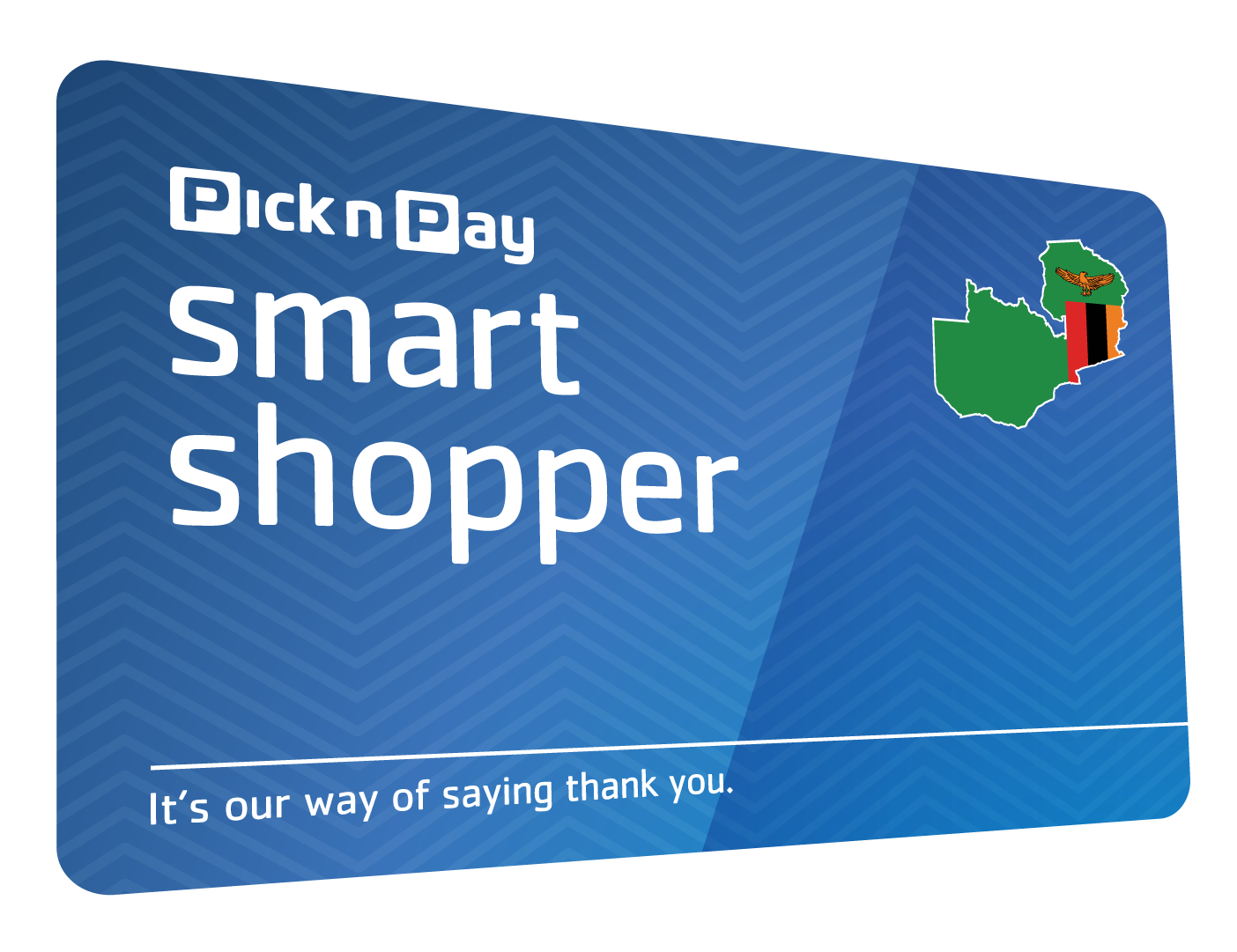
    A Pick n Pay Smart Shopper card allows you to earn points, access special promotions, and enjoy rewards when shopping at participating Pick n Pay stores. Before you can take full advantage of these benefits, you need to activate and register your card. Learning how to activate a PnP Smart Shopper card helps ensure that your purchases are linked to your account and that you receive your rewards correctly.

    1. Table of Contents

      Toggle
      • Obtain a Smart Shopper Card
      • Register Your Card
      • Verify Your Details
      • Complete the Activation Process
      • Start Using Your Card

      Obtain a Smart Shopper Card

    Start by getting a Smart Shopper card from a participating Pick n Pay store if you do not already have one.

    The card is usually available at customer service desks or checkout counters.

    • Collect a Smart Shopper card
    • Keep the card number safe
    • Ensure the card is undamaged
    1. Register Your Card

    To activate the card, you will need to register it with your personal details.

    This links the card to your account and rewards profile.

    • Visit the Smart Shopper registration platform
    • Enter your personal information
    • Provide the card number when requested
    1. Verify Your Details

    During registration, you may be asked to confirm your contact information.

    Verification helps secure your account and ensures you receive rewards and communications.

    • Confirm your mobile number or email address
    • Review your information carefully
    • Complete any required verification steps
    1. Complete the Activation Process

    Once registration is complete, your Smart Shopper card will be activated and ready to use.

    You should receive confirmation that the process was successful.

    • Submit the registration form
    • Wait for activation confirmation
    • Keep your account details secure
    1. Start Using Your Card

    Present your Smart Shopper card whenever you shop at Pick n Pay to earn points and access available promotions.

    Regular use helps you maximize the benefits of the program.

    • Swipe or scan the card at checkout
    • Check that points are being added
    • Monitor your rewards balance

    Also Read: How to Activate MTN Data Share

    Email your news TIPS to Editor@Kahawatungu.com — this is our only official communication channel

    Follow on Facebook Follow on X (Twitter)
    Share. Facebook Twitter WhatsApp LinkedIn Telegram Email
    Damaris Gatwiri

    Damaris Gatwiri is a digital journalist, driven by a profound passion for technology, health, and fashion.

    Related Posts

    How to Add a Device on DStv Now

    June 17, 2026

    How to Activate a Standard Bank Card

    June 17, 2026

    How to Activate Roaming on Vodacom Prepaid

    June 17, 2026

    Comments are closed.

    Latest Posts

    MSF: Game-changing HIV prevention medicine must be available for $40 per year, everywhere

    June 17, 2026

    Murang’a Railways OCS Aduol found dead in suspected murder in Siaya

    June 17, 2026

    Man arrested after wife dies from stab wounds in Kirinyaga domestic dispute

    June 17, 2026

    Dan Hedaya Net Worth

    June 17, 2026

    Decomposing body recovered from Uasin Gishu dam as mortuaries turn it away

    June 17, 2026

    Five Jambojet laptops stolen in break-in at JKIA operations centre

    June 17, 2026

    Jean Kasem Net Worth

    June 17, 2026

    MPs Raise Concern Over Delays in Wilson Airport Upgrade Project

    June 17, 2026
    Facebook X (Twitter) Instagram Pinterest
    © 2026 Kahawatungu.com. Designed by Okii.

    Type above and press Enter to search. Press Esc to cancel.