


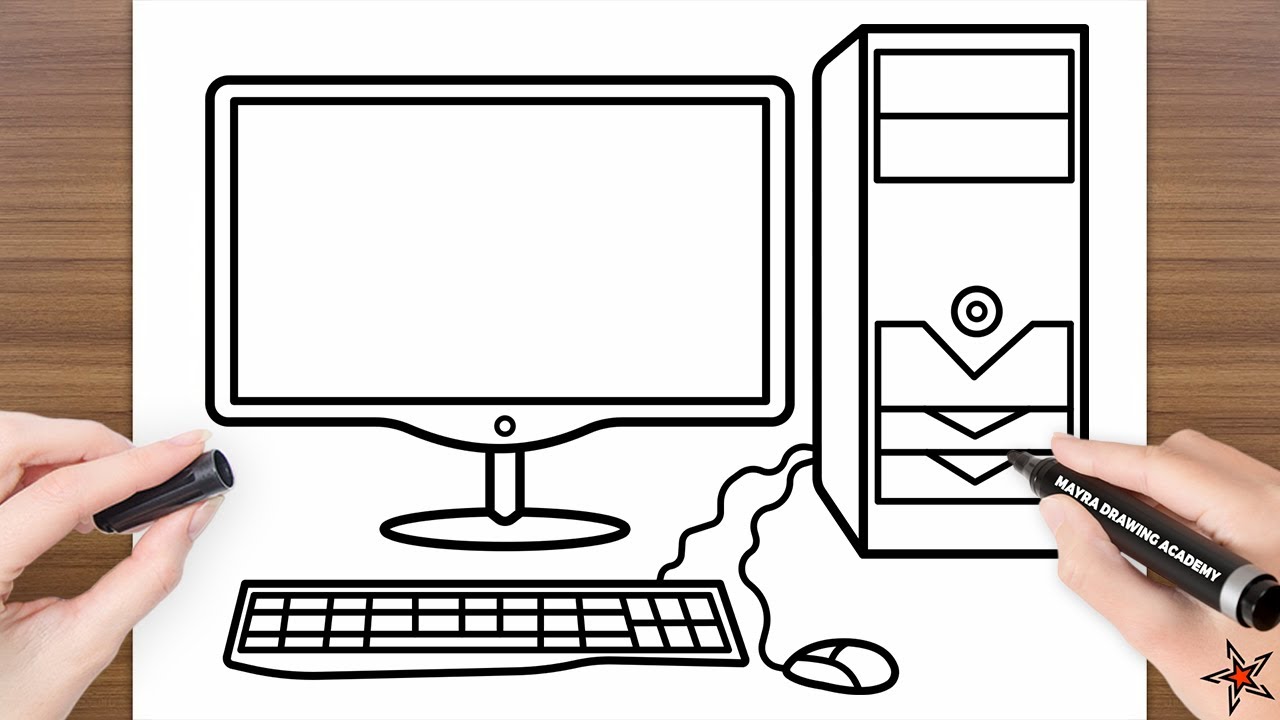
Drawing a computer is a practical exercise that helps you understand basic shapes, proportions, and straight lines. Whether you want to sketch a desktop computer for a school project or practise your technical drawing, the process becomes easier when you break it into simple stages. A computer consists mainly of rectangles and clean edges, which makes it ideal for beginners and anyone who wants to improve their accuracy. By starting with the screen, adding the base, and including small details like buttons and ports, you can create a clear and well-structured illustration.
- Visualising the Basic Shape
A computer monitor is built from simple rectangular forms. Before drawing, picture the screen area and its frame so you can place the shapes correctly. This mental layout helps you create a structured sketch and prevents uneven proportions. Understanding the shape early makes the drawing process smoother.
- Drawing the Main Screen
Start by drawing a large rectangle, which forms the monitor screen. Make the edges straight and the corners slightly sharp. This rectangle is the central feature of the drawing, so take your time to keep it balanced. Leave a small margin on all sides to allow space for the frame you will add next.
- Adding the Screen Frame
Around the rectangle, draw a slightly larger border to form the frame of the monitor. This frame should be even on all sides and not too thick. It gives your computer a realistic outline and makes it look structured. At the bottom of the frame, you can add a small logo area or a thin line to show the brand space.
- Drawing the Computer Stand
Under the screen, draw a small rectangle or a trapezoid to create the stand connector. From this connector, extend a wider shape at the base to form the stand. Keep the stand symmetrical so it supports the monitor visually. The shape can be curved or flat, depending on the style of computer you want to depict.
- Adding the Keyboard
In front of the monitor, draw a long, flat rectangle for the keyboard. Keep it wider than the stand so it appears natural. Within this rectangle, add smaller rows of tiny rectangles or short lines to represent keys. You do not need to draw each key perfectly; simple marks are enough to create the impression of a full keyboard layout.
- Including Additional Details
To add depth and realism, include small features such as a power button on the monitor frame, ventilation holes on the back edge, or ports along the side. These small details make the computer look complete. You can also draw a mouse beside the keyboard using a simple oval with a line in the middle.
- Shading and Finishing Touches
Once all shapes are in place, darken the final lines and erase any unnecessary guidelines. Add shading to one side of the screen and the base to create dimension. Light shading across the frame can give the monitor a more solid appearance. If you prefer a modern style, keep the lines clean and the shading minimal for a sleek finish.
Also Read: How To Delete Incognito History

Email your news TIPS to Editor@Kahawatungu.com — this is our only official communication channel
